
Watch FloSports on multiple devices
You can stream FloSports on up to 12 supported devices at the same time, as long as all devices are connected to the same network.
Your FloSports subscription is intended for use within one household.
Why am I seeing “Your account is watching from more than 1 locations”?
You may see “Your account is watching from more than 1 location” when devices streaming from your account appear to be on different networks.
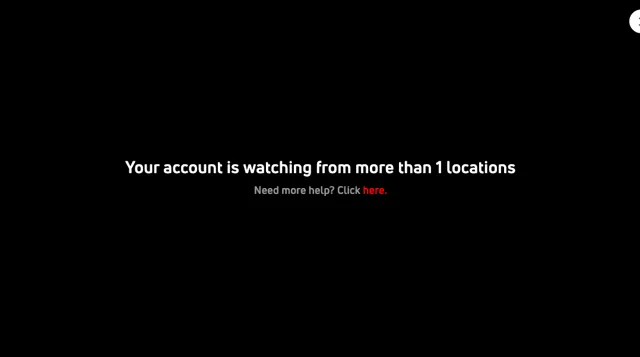
This can happen even when everyone is in the same household. Common causes include:
- A device is using cellular or mobile data instead of your home network.
- A device is connected to a VPN.
- A device is using a mobile hotspot.
- Devices are connected to different internet networks.
- Someone outside your household is using your FloSports account.
When this happens, your stream may be interrupted.
How do I fix it?
- Check who is using your account. If you shared your login with someone outside your household, make sure they aren’t currently streaming.
- Connect your devices to the same network. Make sure every device currently streaming FloSports is using the same home internet connection.
- Turn off VPNs. A VPN can make a device appear to be on a different network.
- Check phones and tablets. Connect them to your home Wi-Fi instead of cellular data or a mobile hotspot; turn off mobile data to ensure they only use Wi-Fo.
- Sign out on other devices. If you’re not sure which device is causing the issue, sign out of FloSports on other devices in your household. Then sign back in only on the devices you want to use.
- Try your stream again.
If your devices are on the same internet connection and you continue seeing the message, contact FloSports Support for help.